
HITFORGE
This offer ends in:
ZTEKNO HITFORGE
Infinite Drum-Hit Engine
Turn your sample folders into finished, layered drum hits that feel expensive, organized and ready for the drop.
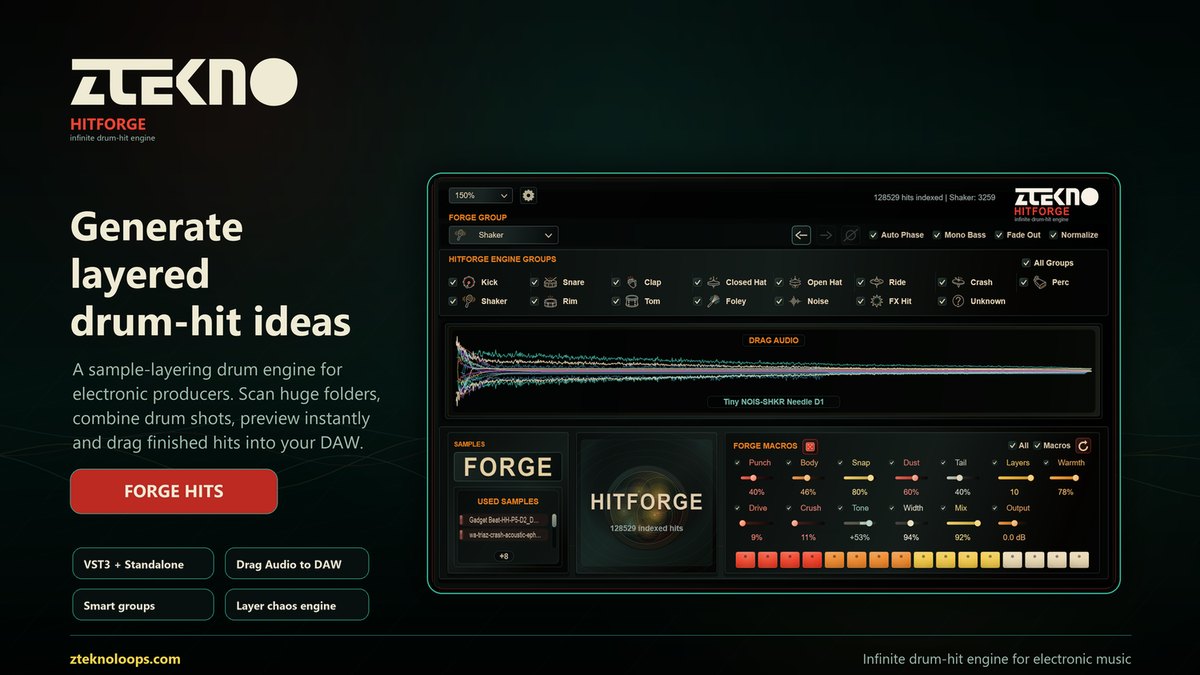
Scan massive drum libraries, choose a group, press FORGE or HITFORGE, audition the result instantly, then drag a named WAV straight into your DAW. HITFORGE is built for producers who want unique kicks, snares, claps, hats, percussion and FX hits without stopping the session.

FORGE. PREVIEW. DRAG. KEEP PRODUCING.
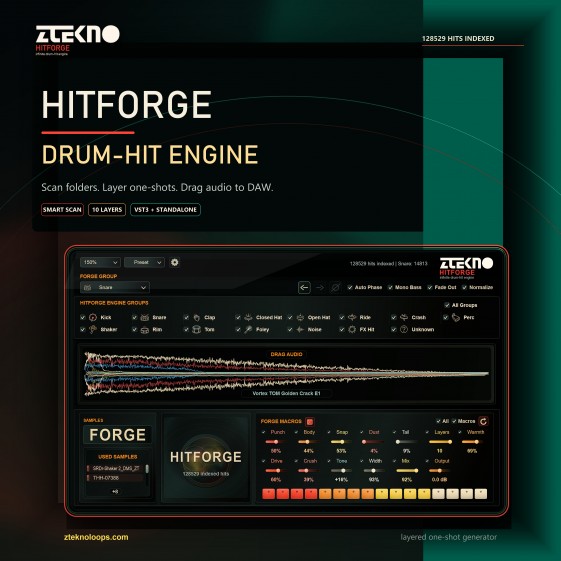
ZTEKNO HITFORGE is a drum-hit creation engine for producers, loop makers and sound designers who work with big sample libraries. It does not ask you to browse thousands of folders manually. It scans your sample folders, sorts drum shots into useful groups, layers selected samples, applies optional macro processing, and gives you a finished hit that can be previewed or dragged into a project immediately.
WHY PRODUCERS WILL WANT IT
- Instant drum-hit generation from your own sample folders: kicks, snares, claps, closed hats, open hats, rides, crashes, percussion, shaker, rim, tom, foley, noise, FX hits and unknown material.
- Two generation modes: FORGE creates within the selected group, while HITFORGE creates controlled chaos across enabled engine groups.
- Layer control from 1 to 10 samples, with used-sample visibility, layer order control, mute and solo behavior, and drag-ready output.
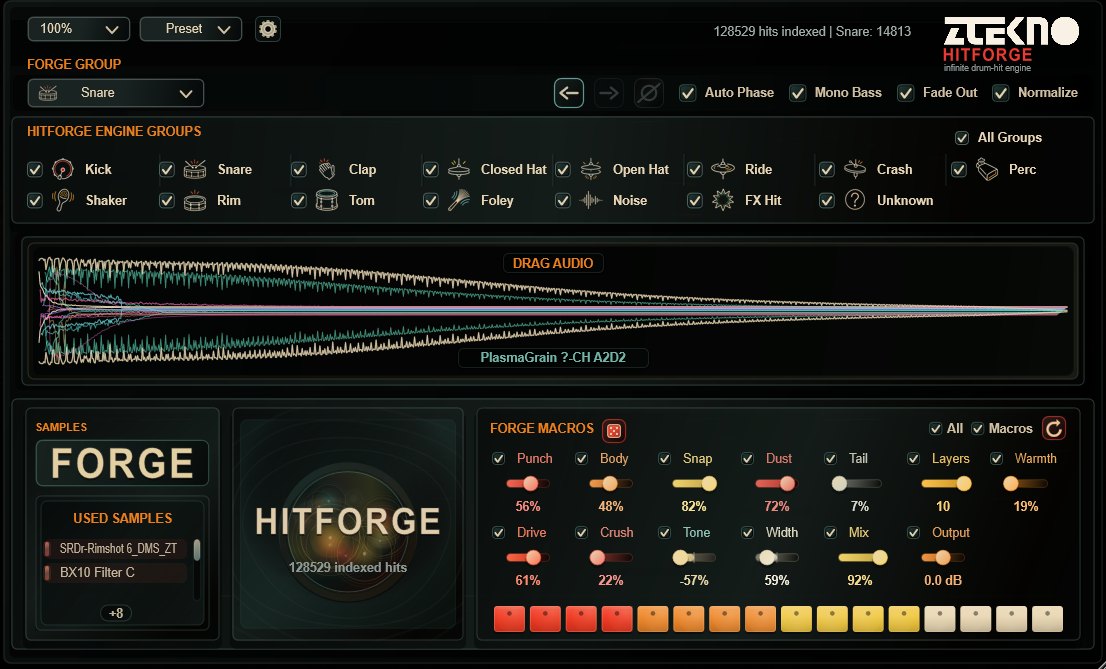
- A large Drag Audio waveform area with layered waveform colors, smooth preview animation, and a background frequency analyzer for fast visual judgment.
- Macro shaping for punch, body, snap, dust, tail, warmth, drive, crush, tone, width, mix and output, with per-macro enable switches and a one-click randomizer.
- Auto Phase, Phase Reverse, Mono Bass, Fade Out and Normalize help keep generated drum hits clean, tight and render-ready.
- Designed for huge libraries: scan once, keep the index, reopen fast, and work with large sample collections without manually searching through folders.
- VST3 and standalone workflows: build sounds inside a DAW, render through the project, or work outside the DAW and drag audio into any folder.
FAST CREATIVE WORKFLOW
- Scan one or more sample folders. HITFORGE stores the scan data so future launches are faster.
- Choose the FORGE GROUP for direct generation, or enable groups inside HITFORGE ENGINE GROUPS for broader chaos generation.
- Set the number of layers, choose macro behavior, and keep utility controls such as Normalize, Fade Out, Auto Phase and Mono Bass active when needed.
- Press FORGE for focused category generation or HITFORGE for cross-group discovery.
- Click the waveform to preview, use the arrows to step through generated results, then drag the finished WAV into your DAW or folder.
DRAG AUDIO WITH VISUAL CONFIDENCE
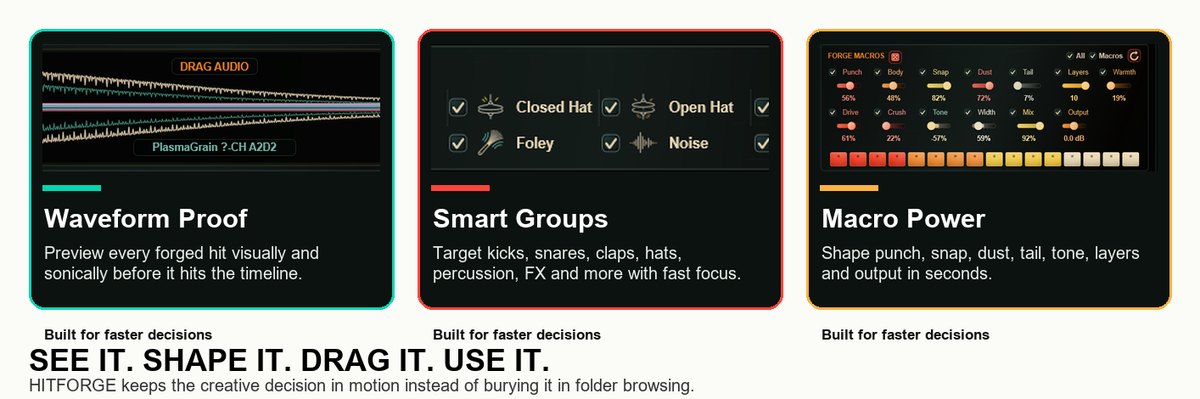
The Drag Audio area is the center of the workflow. It shows the current generated result, the layered waveform colors and the frequency analyzer in one clean view, so you can judge attack, tail, density and stereo behavior before dragging anything into a track.
- Preview generated audio directly from the waveform area.
- See all active layers as clean, colored waveform traces.
- Drag the generated audio repeatedly into a DAW, project folder or desktop.
- Exported files use the generated sample name, so ideas stay organized outside the plugin.
HITFORGE ENGINE GROUPS
The engine groups are built for real drum-shot libraries. You can keep the generation narrow and reliable, or open it up for hybrid hits that combine categories in more unexpected ways.
- FORGE GROUP decides the focused category used by the FORGE button.
- HITFORGE ENGINE GROUPS decides which categories can participate when pressing HITFORGE.
- All Groups enables full-library discovery, while individual checkboxes let you keep chaos under control.
- Unknown catches material that does not clearly match a drum category, so unusual files are not lost.
FORGE MACROS
The macro section is made for quick sound design after a hit is generated. Every macro can be enabled or disabled, and the randomizer can reshape the current hit without changing the source sample combination.
- Punch emphasizes the transient attack for stronger impact.
- Body, Snap, Dust, Tail, Warmth, Drive and Crush shape weight, texture, saturation and character.
- Tone and Width provide fast tonal and stereo decisions without opening another plugin.
- Mix and Output keep the generated hit controlled in the final stage.
- Reset returns macros to natural, clean defaults when you want the sample layers to stay close to the source sound.
DAW PLAYBACK AND SIGNAL FLOW
HITFORGE is not only a drag-and-drop utility. In a DAW, the plugin can output the generated hit during playback, making it possible to render the current sound from the project without dragging it to a track first. The plugin follows the host sample rate in DAW mode, so 44.1 kHz, 48 kHz and 96 kHz sessions keep the correct pitch and length.
- Use VST3 in a DAW to generate and audition hits directly inside the project.
- Loop a project section and let the generated hit play back through the plugin output.
- When you drag the WAV into the DAW, plugin preview stops to avoid doubled playback.
- Standalone mode is ideal for building sounds quickly before a production session.
UTILITY SETTINGS THAT MATTER
- Auto Phase aligns layers for stronger impact.
- Phase Reverse flips the finished hit by 180 degrees for low-end compatibility checks.
- Mono Bass keeps low frequencies focused, with an adjustable frequency limit.
- Fade Out and Normalize are adjustable in Settings and apply to the finished result.
- Saved Length, Grid, Bars, BPM and Host Sync control how exported audio is shaped for musical timing.
- Layer Volumes make it possible to balance individual layers before final export.
WHO IT IS FOR
- Electronic music producers who want fresh drum hits without losing session momentum.
- Techno, house, breaks, drum and bass, trance and experimental producers building unique one-shots.
- Loop makers and sample-pack creators who need fast, named, categorized drum-hit variations.
- Sound designers who work with huge libraries and need a fast way to discover combinations that manual browsing would miss.
- Artists who want their own sample library to become a playable, creative instrument.
RELEASE PACKAGE
- Windows 64-bit VST3 installer with license agreement.
- Windows 64-bit standalone application.
- RU and EN PDF manuals.
- Minimum system requirements and README included.
- Version V1.1.
ZTEKNO HITFORGE
A premium drum-hit engine for producers who want finished, layered, named audio fast. Scan your samples, forge a hit, preview it, drag it, and keep the track moving.
ZTEKNO HITFORGE - Minimum System Requirements